
 Google
How can we help?
How do I login to my KennFlik Account?
Logging into your KennFlik account is quick and easy. Here’s a simple step-by-step guide to help you access your account.
1. Go to the KennFlik Website
Open your browser and navigate to the official KennFlik website.
2. Click on the ‘Login’ Button
Look for the ‘Login’ button, usually located at the top right of the homepage. Click it to proceed.

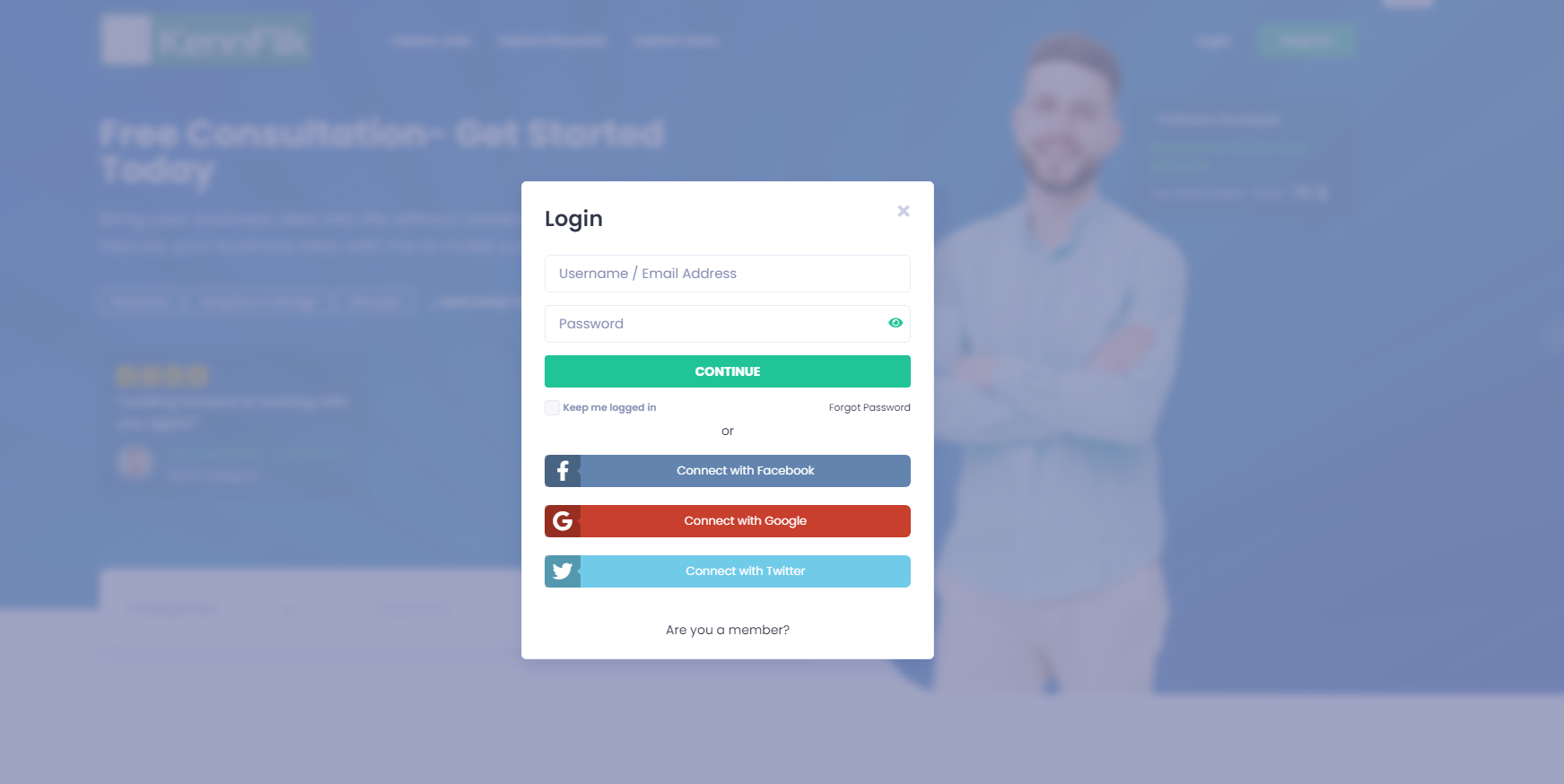
3. Enter Your Registered Details
Input your registered email address or username, followed by your password. If you have social media logins linked, you can also choose to log in via Google, Facebook, or other supported platforms.
4. Click ‘Continue’
After entering your details, click the ‘Continue’ button to finalize the login process.
Congratulations! You Have Successfully Logged In.
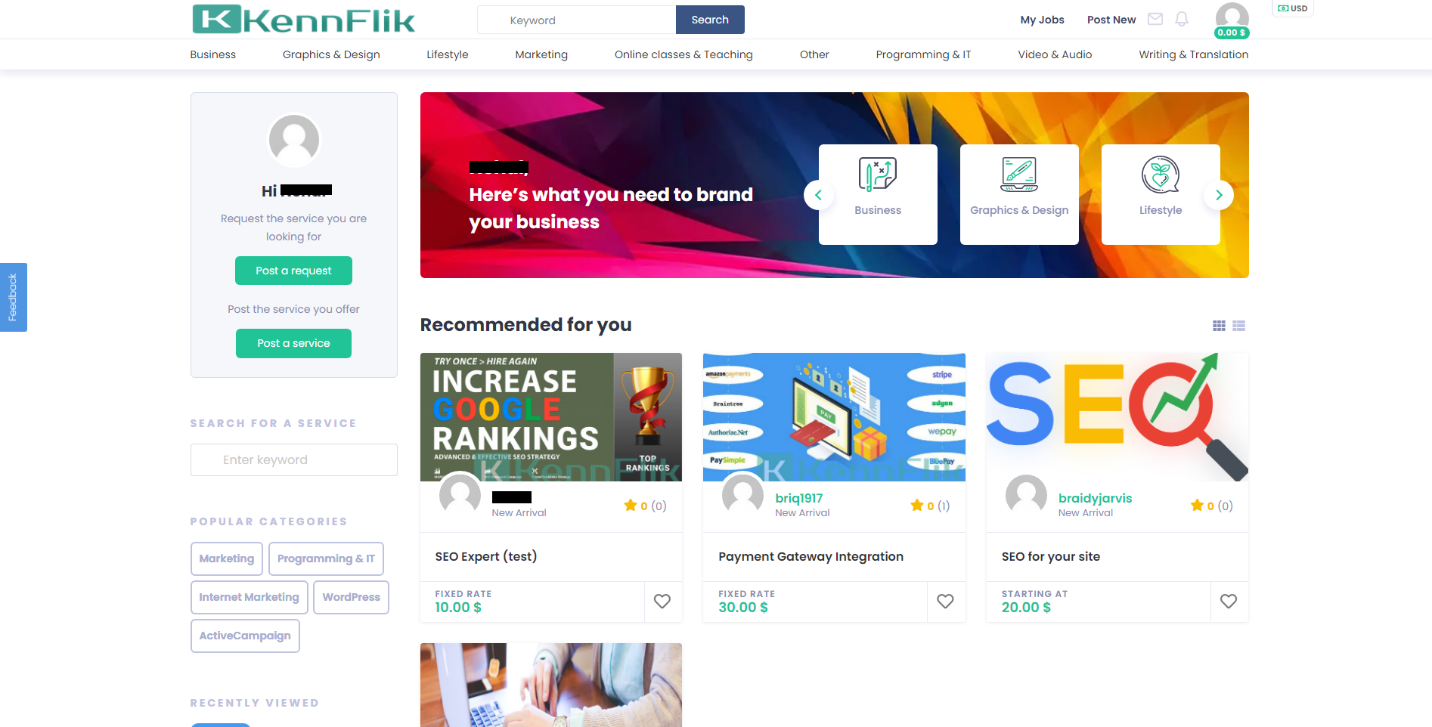
Once you’ve followed these steps, you will be redirected to your account dashboard, where you can manage your profile, services, and orders.


